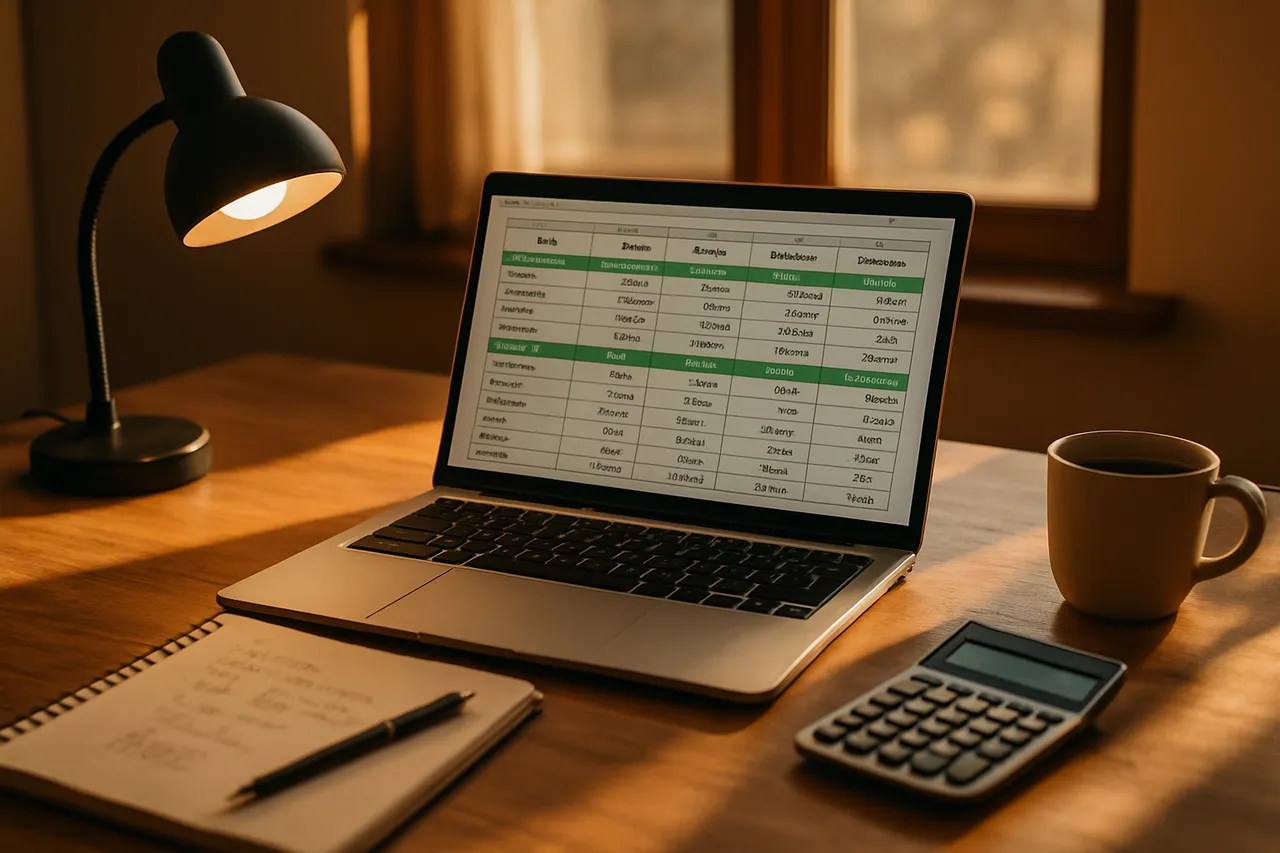
Spreadsheets for Everyday Use
okay sooo this class is for anyone who has opened Excel or Google Sheets and mostly just types numbers into boxes. That's it, that's the whole target.
We'll build two real things together: a household budget and a simple tracking sheet. Along the way you'll learn formulas so you stop retyping numbers, sorting so you can actually find stuff, and basic charts that make one clear point instead of five.
Here's the thing, a spreadsheet isn't fancy and doesn't need to be. It just needs to answer a question you actually have. We start with your question, then build.
Hands-on every week. You'll make mistakes live and we'll fix them together. Mondays 6:00 to 7:30. Bring a laptop.
What you'll learn
- Build formulas using SUM, AVERAGE, MIN, and MAX
- Set up a working budget with income and spending
- Sort and filter tables without scrambling your data
- Create and clean up charts from your own data
- Apply conditional formatting to flag important numbers
Materials & tools
What to bring - Laptop (Windows, Mac, or Chromebook) that can connect to Wi-Fi — a tablet works in a pinch but a real keyboard makes formulas far easier - Power cord/charger — two 90-minute sessions of typing will drain most batteries - A spreadsheet program: Google Sheets (free, works in any web browser) or Microsoft Excel (desktop app, or free Excel for the web) — either is fine for this class - A free Google account if you plan to use Google Sheets — set it up before class so we don't lose time on sign-up - A notebook and pen for jotting down formulas and shortcuts you want to remember - Your actual numbers: a recent bank or credit-card statement, or a list of monthly bills, so the budget you build is real and useful
Nice to have - A USB flash drive (8GB+, $6–10) to back up an Excel file, or just rely on Google Drive's auto-save - An external mouse ($10–20) — clicking individual cells is quicker with a mouse than a trackpad - A second monitor if you're on a desktop at home and want to practice between sessions (not needed in class)
Lessons
- Getting Started With Spreadsheets
Pick your program, turn on autosave, and decide what question your sheet is actually answering.
- Entering and Tidying Your Data
Learn how cells are named, type and fix data, use the fill handle, and make a sheet readable.
- Your First Formulas
Add columns with SUM, do basic math on cells, use AVERAGE/MIN/MAX, and copy formulas without breaking them.
- Building a Household Budget
Set up income and spending categories, find the number that matters, and flag trouble with conditional formatting.
- Keeping the Sheet Going
Decide what's worth tracking and build a weekly habit you won't come to hate.
- Sorting and Filtering a Table
Set up a dated table, then sort and filter it to find exactly what you need without scrambling your data.
- Turning Numbers Into Charts
Make your first chart, pick the right type, clean it up so the point is obvious, and keep your sheets alive after class.
Key terms
- Cell
- A single box in a spreadsheet where you type a number, word, or formula, identified by its column letter and row number (like B4).
- Row and Column
- Rows run left-to-right and are numbered, while columns run top-to-bottom and are lettered; where a row and column cross is a cell.
- Cell reference
- The address of a cell (like C7) that you use inside a formula so the spreadsheet pulls that cell's value instead of a number you typed by hand.
- Formula
- An instruction you type into a cell, always starting with an equals sign, that calculates a result such as =B2+B3.
- Function
- A built-in shortcut for a common calculation, like SUM for adding or AVERAGE for finding the mean, used inside a formula.
- Range
- A block of cells referred to together using a colon, such as B2:B10, which means every cell from B2 down through B10.
- Relative vs. absolute reference
- A relative reference shifts when you copy a formula to another cell, while an absolute reference (marked with dollar signs, like $B$1) stays locked on the same cell.
- Sort
- Reordering your rows by the values in a column, such as arranging expenses from largest to smallest, without losing which data belongs together.
- Filter
- A tool that temporarily hides rows that don't match what you're looking for, so you can focus on just the entries you want to see.
- Chart
- A visual picture of your data, like a bar or pie chart, that turns a column of numbers into something you can understand at a glance.
- Worksheet (tab)
- One page within a spreadsheet file; a single file can hold several tabs, letting you keep a budget and a tracking sheet in the same document.
Class discussion
- Pinned ·Welcome! Class starts May 4 — say hi before thenCassandra Draper · Instructor · 12 replies
- still stuck on week 3 lolRussell Fairbanks · 0 replies
- ctrl + arrow key trickJess Larsen · 5 replies
- finished the spreadsheet class, actually kind of sadHyrum Call · 0 replies
- anyone else's charts look messy compared to class exampleSteven Baxter · 0 replies
- small formula trick from class last nightRussell Fairbanks · 0 replies
More technology classes

3D Printing 101
with Jacob

Backing Up Your Phone Photos
with Aubrey

Google Sheets for Small Business Owners
with Sara