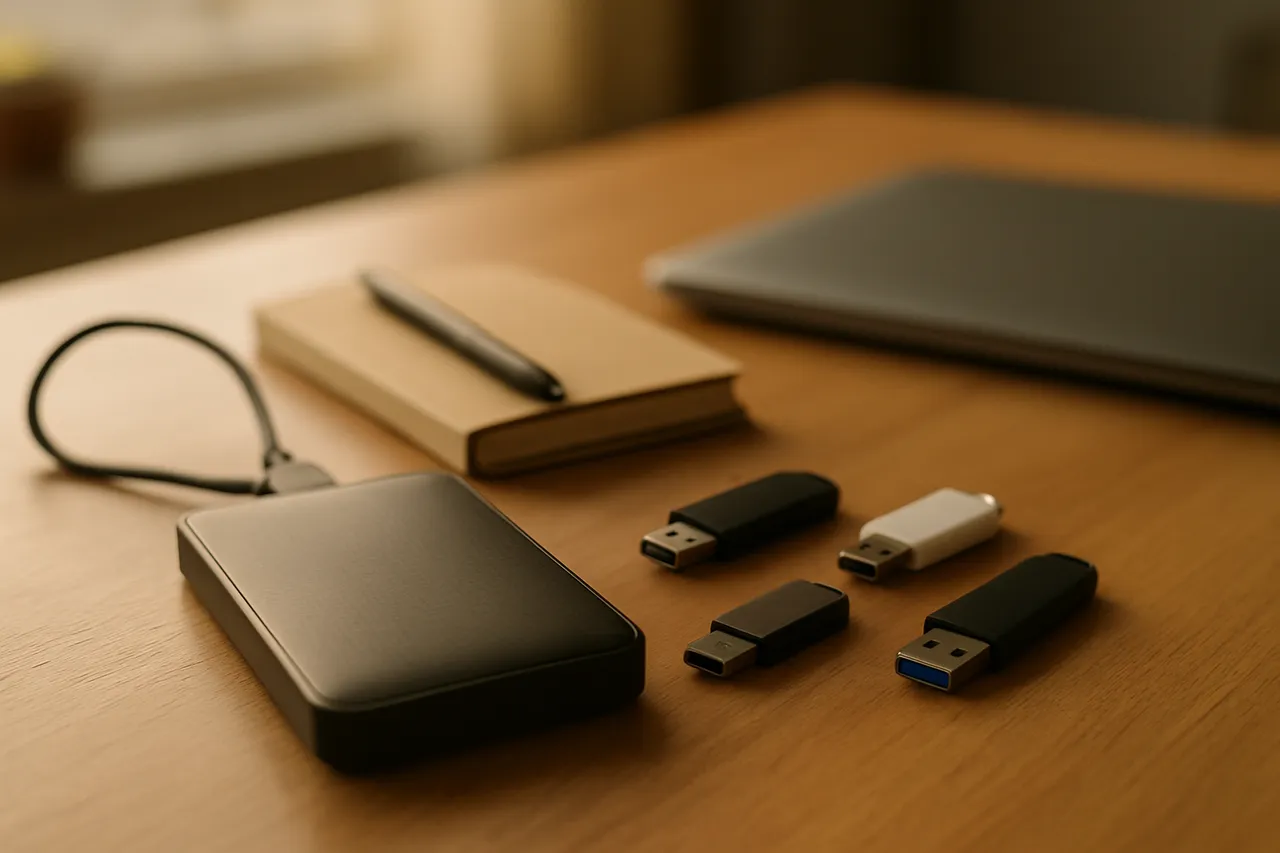
Organizing Digital Files and Passwords
Okay, let's give these a home. If your desktop has 4,000 things on it and your passwords live on sticky notes around the monitor, this class is for you. Over six Saturdays we'll set up a password manager together (safer than your brain, for sure for sure), clean up years of scattered downloads, and build a folder system in plain words you'll actually stick with. You bring your own laptop and you do the thing while I talk. I go slow on the hard steps and I never touch your keyboard unless you ask, because you have to be able to do this again next week without me. You'll leave with your files findable and your passwords in one safe home. 🌞
What you'll learn
- Install and set up a password manager
- Create one strong master password you'll remember
- Turn on two-factor authentication for key accounts
- Clean up messy folders using a simple naming system
- Build a backup habit so photos never get lost
Lessons
- Start With Your Mess (No Shame)
We meet everybody, look at the pile honestly, and get laptops open and ready to work.
- Passwords Get a Home
We pick a password manager and set it up together, in one sitting, going slow on the hard steps.
- Locking the Front Door
We turn on two-factor, fix reused passwords, and learn the save-first-then-change rule the hard way so you don't have to.
- Downloads Is Where Files Go To Die
We tackle the download pile and the desktop, and build the habit of moving things to a real home within a day.
- A Folder System You'll Actually Keep
We name folders in the words you'd search for at 11 p.m. and build something that survives you being lazy.
- Making It Stick
We back things up, set a light maintenance rhythm, and make sure you can do all of this again next week without me.
Class discussion
More technology classes
3D Printing 101
with Jacob
Backing Up Your Phone Photos
with Aubrey
Google Sheets for Small Business Owners
with Sara